


Key Takeaways
- Choosing the right database is essential for optimal performance and user experience in React Native apps.
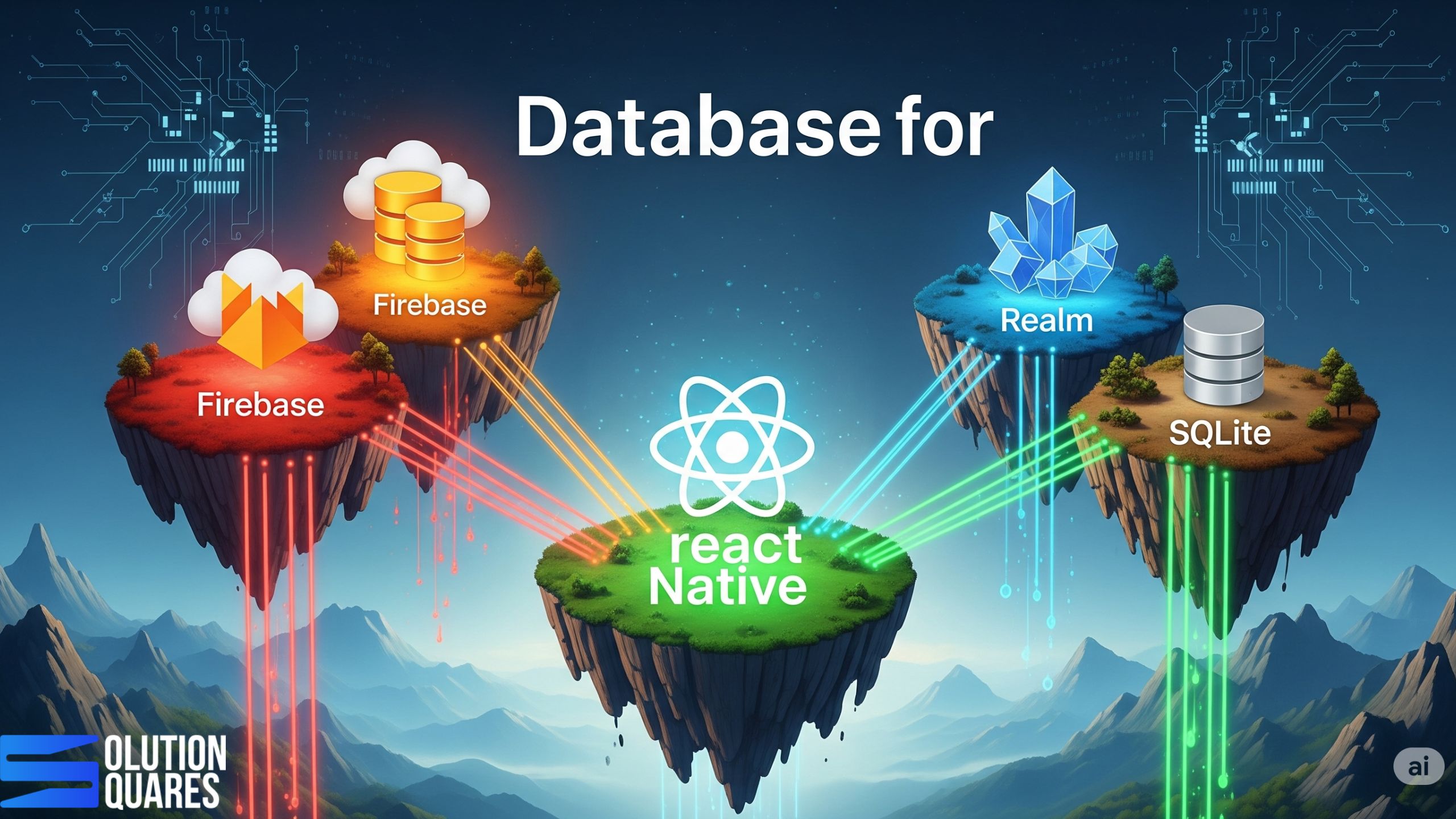
- Firebase, Realm, and SQLite are leading database options, each with unique strengths.
- Firebase offers real-time synchronisation and scalability, suitable for dynamic applications.
- Realm excels in offline capabilities and high performance for local data storage.
- SQLite is ideal for structured, file-based data management without real-time requirements.
Choosing the Best Database for Your React Native App
Selecting the right database is a critical decision that significantly impacts the performance, scalability, and maintainability of your React Native applications. The database you choose significantly impacts how your app stores and manages data, which in turn affects the app’s functionality, responsiveness, and scalability.
For agencies building mobile solutions for clients, understanding the various database options and their trade-offs is paramount to delivering successful projects. This guide outlines key considerations and popular database choices to help you make informed decisions.
Why the Right Database is Crucial for Your React Native App
Effective data storage in React Native plays a pivotal role in your app’s overall performance and user experience. Choosing the appropriate database can enhance your app’s ability to manage real-time updates, operate offline, and secure user data. Let’s explore how to identify the best databases available for these purposes.
How to Select a Database?
Data storage in React Native involves the technologies used to store, retrieve, and manage data. It includes local storage on the device and cloud-based solutions that provide data syncing across platforms.
Before diving into specific database technologies, let’s consider the crucial factors that will influence your selection:
-
Data Structure and Relationships: How is your application’s data organised? Does it involve complex relationships, or is it primarily document-based? Relational databases excel at structured data with clear schemas and relationships, while NoSQL databases offer more flexibility for unstructured or semi-structured data.
-
Offline Capabilities: Does your app need to function when the user is offline? If so, you’ll need a database that supports local storage and synchronisation with a remote backend when connectivity is restored.
-
Scalability Requirements: How much data do you anticipate your app will handle, and how many concurrent users will there be? Some databases are better suited for horizontal scaling (distributing data across multiple servers) than others.
-
Performance Needs: What are the performance-critical aspects of your application? Do you need low-latency reads and writes, or is data processing more intensive? Different databases offer varying performance characteristics for different workloads.
-
Development Complexity and Cost: Consider the ease of integration with React Native, the learning curve for your development team, and the hosting and maintenance costs associated with each database option.
-
Security: Ensure the database offers robust security features to protect sensitive user data.
The right database for your React Native app can help meet these requirements robustly.

Popular Database Options for React Native Apps
Here’s an overview of some of the most common database choices for React Native projects, categorised for clarity:
Local Databases (for Offline Support)
-
Realm: A mobile database that runs directly on the device. Realm is known for its speed, ease of use, and excellent offline synchronisation capabilities. It supports complex data models and offers strong encryption.
-
SQLite: A widely used, lightweight, and embedded relational database. While powerful, integrating SQLite with React Native often requires third-party libraries and manual schema management.
-
AsyncStorage: A simple, unencrypted key-value store built into React Native. Suitable for storing small amounts of non-relational data but not recommended for complex data or sensitive information.
Cloud-Based Backend Databases
-
Firebase (Firestore): A NoSQL document database offered by Google Cloud. Firestore is highly scalable, provides real-time data synchronisation, and offers a generous free tier. Its ease of integration with React Native makes it a popular choice.
-
AWS Amplify (DataStore & DynamoDB): AWS Amplify provides a set of tools and services for building mobile and web applications. DataStore offers an abstraction layer with built-in offline capabilities that can sync with the fully managed NoSQL database DynamoDB in the cloud. DynamoDB is highly scalable and performant.
-
Supabase: An open-source alternative to Firebase, offering a PostgreSQL database as a service along with features like real-time subscriptions, authentication, and storage. Supabase provides the power of a relational database with developer-friendly tools.
-
MongoDB Atlas: A fully managed cloud database service for MongoDB, a popular NoSQL document database. MongoDB is known for its flexibility and scalability, making it suitable for applications with evolving data schemas.
-
Other Cloud Providers (e.g., Azure Cosmos DB, Google Cloud SQL/Cloud Spanner): Major cloud platforms offer various managed database services, including both NoSQL and relational options. These can be excellent choices if your client’s infrastructure is already tied to a specific cloud provider.
Making the Right Choice for Your Client’s Project
The “best” database ultimately depends on the specific requirements of your client’s React Native application. Consider the following questions during your decision-making process:
-
What are the core functionalities of the app and how will data be used?
-
Is robust offline support a critical requirement?
-
What are the anticipated data volume and user growth projections?
-
Does the project have specific security or compliance needs?
-
What is the development team’s familiarity and expertise with different database technologies?
-
What is the client’s budget for hosting and maintenance?
By carefully evaluating these factors, your agency can select a database that aligns with the project’s technical needs and business objectives, ensuring a performant, scalable, and maintainable React Native application.
Ready to Build Powerful React Native Apps?
Contact us today for a free consultation to discuss the best database strategy for your next React Native project! We have the expertise to guide you in choosing and implementing the optimal solution to meet your client’s needs and deliver exceptional mobile experiences.
Firebase vs. Realm: A Detailed Comparison
Firebase:
- Overview: A comprehensive Backend-as-a-Service that offers more than just a database. Its real-time capabilities and cloud services make it a versatile choice for apps that require constant data syncing.
- Key Features: Seamless real-time sync, offline support, and robust security rules.
- Pros: Streamlines application development with extensive support and automatic scaling.
- Cons: May get expensive as scalability needs grow; not optimised for local-only data storage.
Realm:
- Overview: Realm is optimised for local storage, offering excellent data management and synchronisation services through Realm Sync.
- Features/Benefits: Real-time automatic updates, strong offline capabilities, and data encryption.
- Pros: High performance and great for complex, offline-first applications.
- Cons: Cost associated with Realm Sync and less straightforward cloud integration.
Comparative Analysis: Firebase vs. Realm
| Feature | Firebase | Realm |
|---|---|---|
| Real-time sync | Excellent | Good with Realm Sync |
| Offline support | Yes | Exceptional |
| Security | Strong rule-based security | Robust encryption offered |
| Scalability | High scalability in the cloud | Primarily local scalability |
| Integration | Easy integration | Requires initial setup for sync |
SQLite for React Native
SQLite offers a reliable choice for those who need a lightweight, file-based system for structured data. It provides full SQL capabilities and is suitable for applications without the need for cloud-backed features. Its major advantage is operating independently from network connectivity, making it an excellent option for devices with frequent or prolonged offline periods.
Factors to Consider When Choosing a Database
Deciding on a database often depends on several factors:
- Project Scalability: Cloud databases like Firebase are advantageous for growing applications due to their backend scalability. In contrast, Realm and SQLite are constrained by local storage limits.
- Development Team Expertise: Your team’s familiarity with database management can determine the best choice, whether cloud-based or local solutions.
- Budget: Costs can vary significantly between databases, especially when considering cloud services versus local storage solutions.
Conclusion: Making the Right Choice
Choosing the right database for your React Native app involves balancing various factors, including functionality, scalability, cost, and development preferences. Each database offers unique advantages that may suit different types of projects:
- Firebase is ideal for dynamic, collaborative applications requiring real-time data.
- Realm shines in apps where performance and offline access are critical.
- SQLite excels at straightforward data management tasks with its robust SQL support.
Before making a decision, assess your specific requirements and consult detailed documentation and resources to understand the best practices for implementing your chosen database. [Learn More]
Further Reading and Resources
- Official Documentation: Explore detailed guides and API documentation provided by Firebase, Realm, and SQLite.
- Tutorials and Integration Guides: Check platforms like Back4App and RxDB for practical, hands-on integration advice. [Explore]
Frequently Asked Questions
1. What is the difference between a local and a cloud database for a React Native app?
A local database is an embedded database that stores data directly on the user’s device. This is crucial for enabling offline functionality, as it allows the app to work even without an internet connection. A cloud database, on the other hand, stores data on remote servers. It provides the main data repository for your application, enabling synchronisation across multiple devices and users.
2. Why would a mobile app need a local database?
A local database is essential for any app that needs to function reliably without an internet connection. It provides offline access to data, improves the app’s responsiveness by reducing network latency, and helps maintain a smooth user experience even in areas with poor connectivity.
3. What is the main difference between SQL and NoSQL databases? Which one should I choose for my project?
SQL (Relational) databases, like PostgreSQL, use structured tables with predefined schemas and are ideal for applications with complex data relationships and a need for data integrity.
NoSQL (Non-Relational) databases, like Firestore or MongoDB, are schema-less and store data in flexible formats (e.g., documents, key-value pairs). They are better suited for large-scale applications with unstructured data and high scalability requirements. The “best” choice depends on your project’s specific data structure and scalability needs.
4. Can a single database handle both offline data and cloud synchronisation?
Yes, some database solutions like Realm and AWS Amplify’s DataStore are designed to handle both local storage and seamless cloud synchronisation. They automate the process of syncing data between the local database on the device and the cloud backend, greatly simplifying development.
5. How do databases like Firebase and Supabase differ?
Both Firebase and Supabase provide a suite of backend services, including a database, authentication, and file storage. The main difference lies in their database technology:
-
Firebase (Firestore) is a NoSQL document database, known for its real-time capabilities and ease of use.
-
Supabase is an open-source alternative built on a PostgreSQL (SQL) database, offering the benefits of a relational database with a similar real-time functionality. The choice often comes down to your preference for a SQL or NoSQL data model.
6. Does the choice of database affect the performance of my React Native app?
Yes, absolutely. The database choice can significantly impact app performance, particularly for data-intensive applications. A poorly chosen database can lead to slow load times, UI lag, and increased battery consumption. Factors like query efficiency, data indexing, and the database’s ability to handle concurrent reads and writes all play a role in the overall performance of your app.