
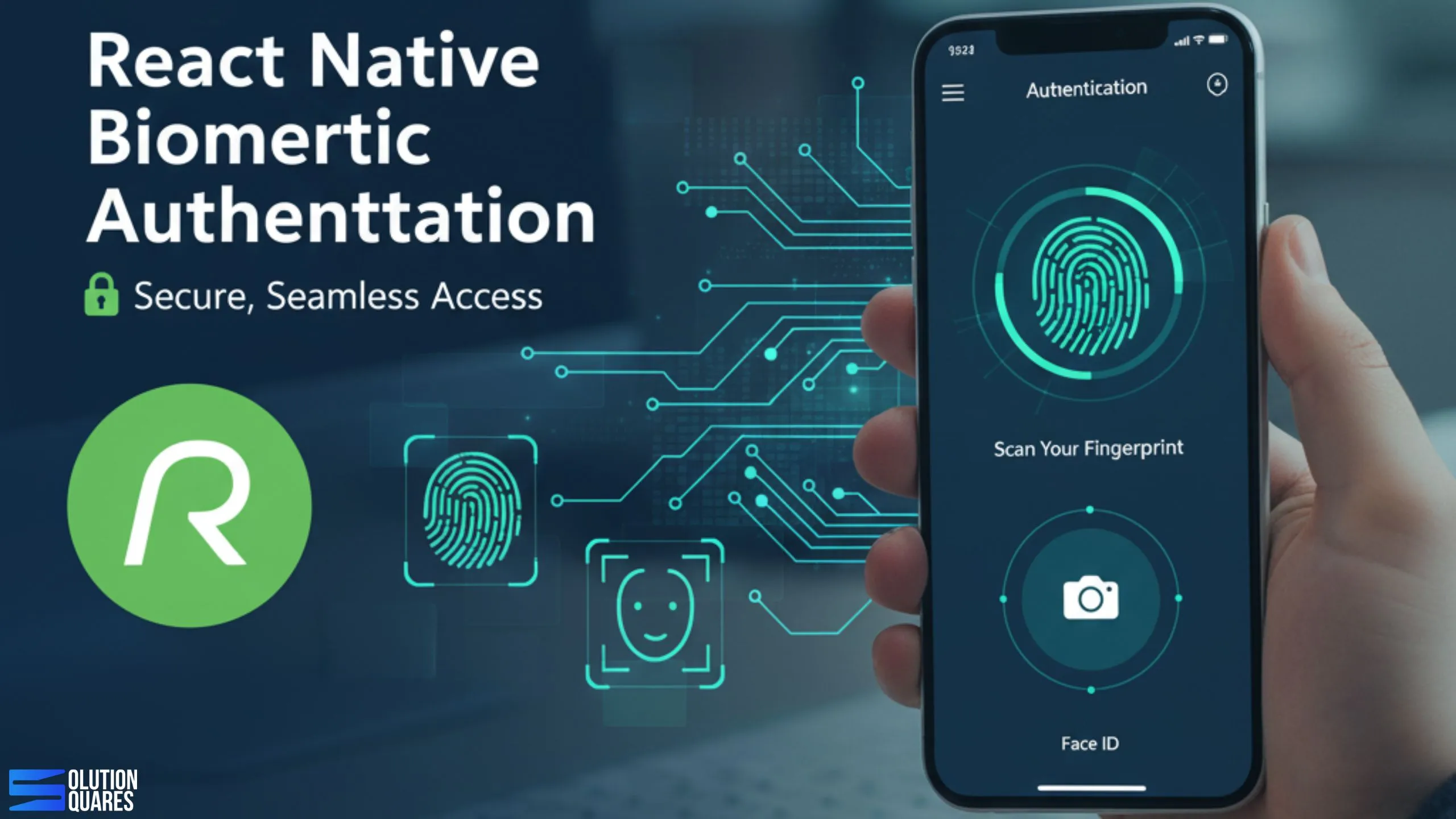
Unlock the power of React Native Biometrics Authentication

React-Native-Biometrics-Authentication

Implementing React Native Biometrics Authentication: A Comprehensive Guide

Key Takeaways

  • Enhanced Security: Biometrics authentication offers more robust security compared to traditional password-based methods.
  • User Convenience: Eliminates the need for remembering multiple passwords, streamlining the user experience.
  • Seamless Integration: React Native supports easy integration of biometric methods like fingerprint scanning and Face ID.
  • Cross-Platform Compatibility: Biometric authentication is widely supported on modern iOS and Android devices.
  • Best Practices: Implementing fallback mechanisms and encryption is crucial for secure authentication.

In today’s digital world, securing mobile applications is more critical than ever, particularly when handling sensitive user data. One of the most effective ways to enhance app security is through React Native Biometrics Authentication, which allows developers to implement robust authentication methods like fingerprint scanning and Face ID. In this guide, we’ll explore how to integrate these biometric methods into your React Native applications to provide a seamless and secure user experience.

Biometric authentication offers substantial advantages over traditional password-based methods by leveraging unique biological characteristics. This not only enhances security but also improves user convenience and engagement. By the end of this tutorial, you’ll have a solid understanding of setting up biometric authentication in your app, with a focus on fingerprint and Face ID integration.

Understanding Biometrics Authentication

Definition and Types

Biometrics authentication is a security process that relies on the unique biological characteristics of an individual to verify their identity. Common types used in mobile applications include:

  • Fingerprint Recognition: A digital representation of the unique patterns made by ridges and valleys on the surface of a fingerprint.
  • Facial Recognition (Face ID): Uses facial features to identify an individual.
  • Iris Scanning and Voice Recognition: Less common in mobile apps but used in high-security areas.

Benefits Over Traditional Methods

Biometrics offer several advantages over traditional security methods, such as:

  • Enhanced Security: Minimizes the risk of phishing and credential theft.
  • Increased Convenience: Eliminates the need for users to remember multiple passwords.
  • Quick Access: Speeds up the authentication process.

Biometric methods like fingerprint and Face ID are widely supported on most modern smartphones, making them convenient for both developers and users.

Recommended Libraries & When to Use Them

  • react-native-biometrics — Create hardware-backed keys and sign server challenges with biometrics (great for passkey-like flows).

  • react-native-keychain — Store tokens/credentials in iOS Keychain / Android Keystore with biometric access control.

  • Expo? Use expo-local-authentication for prompts + expo-secure-store for protected storage.

  • Optional: react-native-passkeys (community) / platform bridges for modern passkeys.

Production tip: Combine biometric prompts with hardware-backed keys and server-side challenge–response for strongest guarantees.


Implementing-biometrics-in-React-Native-app

Secure Architecture (High Level)

  1. User signs in once with username/password (or OTP, social, etc.).

  2. Enroll biometrics: app generates a hardware-backed keypair; public key is sent to your server and stored against the user + device.

  3. On future logins, the app prompts biometrics and signs a server nonce.

  4. Server verifies signature against the stored public key → issues short-lived access token.

  5. Tokens (or encrypted session) are kept in Keychain/Keystore with biometric or device lock access control.

UX Best Practices

  • Progressive enrollment: ask users to enable biometrics after first successful login (not at signup).

  • Clear copy: “Use Face ID to unlock faster. You can disable anytime.”

  • Fallbacks: gracefully fall back to passcode/OTP if biometrics fail.

  • Step-up prompts only for risky actions (change device, add payee, withdraw funds).

  • Detect changes: invalidate keys if biometrics database changes (fingerprint added/removed).

Security Checklist (Production)

  • Hardware-backed keys (TEE/Secure Enclave).

  • Nonce-based challenge; reject replay; enforce short TTL.

  • Pinning sensitive actions to fresh biometric auth (AuthN freshness window).

  • Key invalidation on logout, device compromise, biometrics change, or app reinstall.

  • Root/Jailbreak detection & emulator checks (e.g., jail-monkey, react-native-device-info).

  • Rate limiting, lockouts, and telemetry for abuse.

  • Secure crash logs (no secrets), and proper PII redaction.

  • Compliance alignment as relevant (e.g., GDPR, PCI DSS for payments, PSD2 SCA in EU).

QA & Edge Cases to Test

  • No biometric hardware / not enrolled / sensors locked out.

  • System fallback to device PIN (Android allowDeviceCredentials).

  • iOS Face ID vs Touch ID behavior differences.

  • Key invalidation on OS upgrade, device change, biometrics change.

  • Offline mode and delayed challenge redemption.

  • Localization & accessibility (screen readers, large text).


secure-biometrics-in-React-Native-app

What You Can Build (Fast)

  • Biometric login / “Unlock with Face ID” for returning users

  • Step-up authentication before sensitive actions (payouts, KYC edits)

  • Device binding: tie sessions/tokens to a device’s secure hardware

  • Passkeys (FIDO2/WebAuthn on mobile) for true passwordless auth

  • Offline unlock for cached encrypted data

Deliverables We Can Provide (Commercial)

  • Architecture & security design (docs + diagrams)

  • RN implementation (Expo or bare), iOS/Android native bridges

  • Backend endpoints for challenge–response and key lifecycle

  • Compliance guidance (logging, audit trails, data retention)

  • Test plans, automation, and handover documentation

Conclusion

Implementing biometrics in your React Native app not only enhances security but also elevates the user experience. We’ve covered the essentials of setting up your environment, integrating fingerprint and Face ID, and handling various authentication states. This guide should serve as a starting point for you to explore further into the robust features of React Native Biometrics Authentication.

Biometrics provide a modern, secure, and user-friendly way of safeguarding your applications. With the rising importance of data security, integrating biometrics could significantly benefit your app’s credibility and user trust.

Frequently Asked Questions

1. What is React Native Biometrics Authentication?

React Native Biometrics Authentication refers to the implementation of biometric methods like fingerprint scanning and Face ID within React Native applications to enhance security and user experience.

2. What are the benefits of using biometrics over traditional passwords?

Biometrics offer enhanced security by leveraging unique biological characteristics, increased convenience by eliminating the need for multiple passwords, and quicker access compared to traditional authentication methods.

3. How do I integrate fingerprint scanning in my React Native app?

You can integrate fingerprint scanning using libraries such as react-native-biometrics. Follow the step-by-step tutorial provided in the guide to implement fingerprint authentication.

4. What libraries are recommended for implementing biometrics in React Native?

Popular libraries include react-native-biometrics and expo-local-authentication for Expo projects.

5. What best practices should I follow when implementing biometrics in my app?

Always provide a PIN/password fallback, never store sensitive data without encryption, and ensure your app requests the necessary biometric permissions.


secure-biometrics-in-React-Native-app


    • You will get the response with in 24 hours

    • Your idea is 100% protected by our Non Disclosure Agreement.