


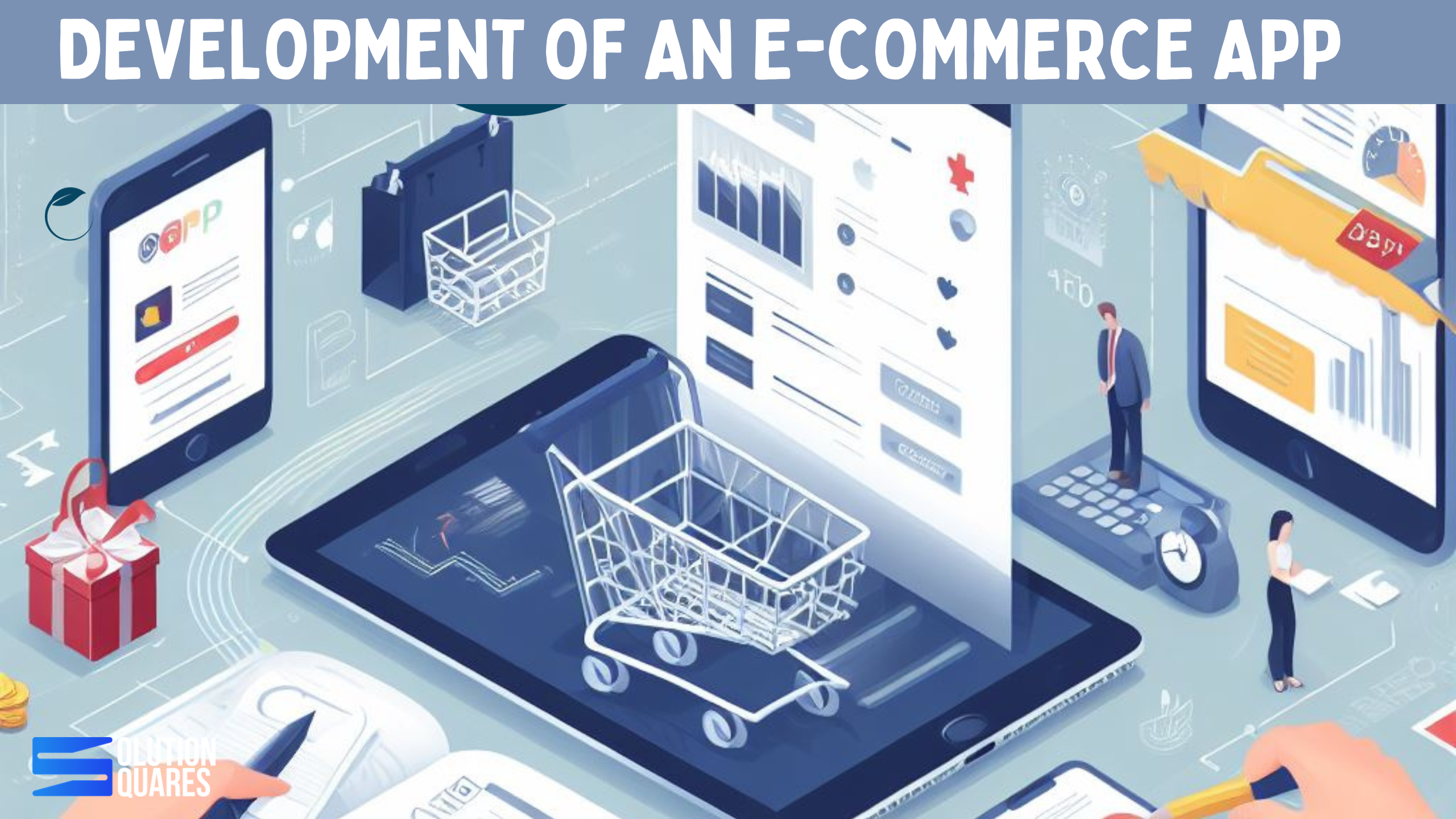
The process of e-commerce application development involves several distinct phases, from the initial idea to the final product. The process of an e-commerce application development is a complex and multifaceted process that requires attention to detail, a focus on user experience, and ongoing maintenance and improvement to ensure the success and longevity of the platform.
What is An E-commerce Application Development?
E-commerce app development refers to the process of creating mobile applications that facilitate online buying and selling of products or services. These apps are designed to provide a user-friendly interface for customers to browse products, make purchases, and manage their accounts, while also providing a platform for businesses to showcase and sell their products.
Process of E-commerce Application Development?
The process of an e-commerce app development requires a multidisciplinary team, including project managers, designers, front-end and back-end developers, quality assurance testers, and potentially marketing specialists. The choice of technology stack, platform (iOS, Android, or both), and development approach (native or cross-platform) depends on factors such as budget, target audience, and project requirements.
Steps of The Process of E-commerce Application Development
The process of e-commerce application development is iterative, and it requires ongoing efforts to maintain and enhance the platform to meet evolving user needs and market dynamics. Successful development and maintenance of the application lead to a competitive and user-friendly e-commerce platform.
1. Research & Feature Plan
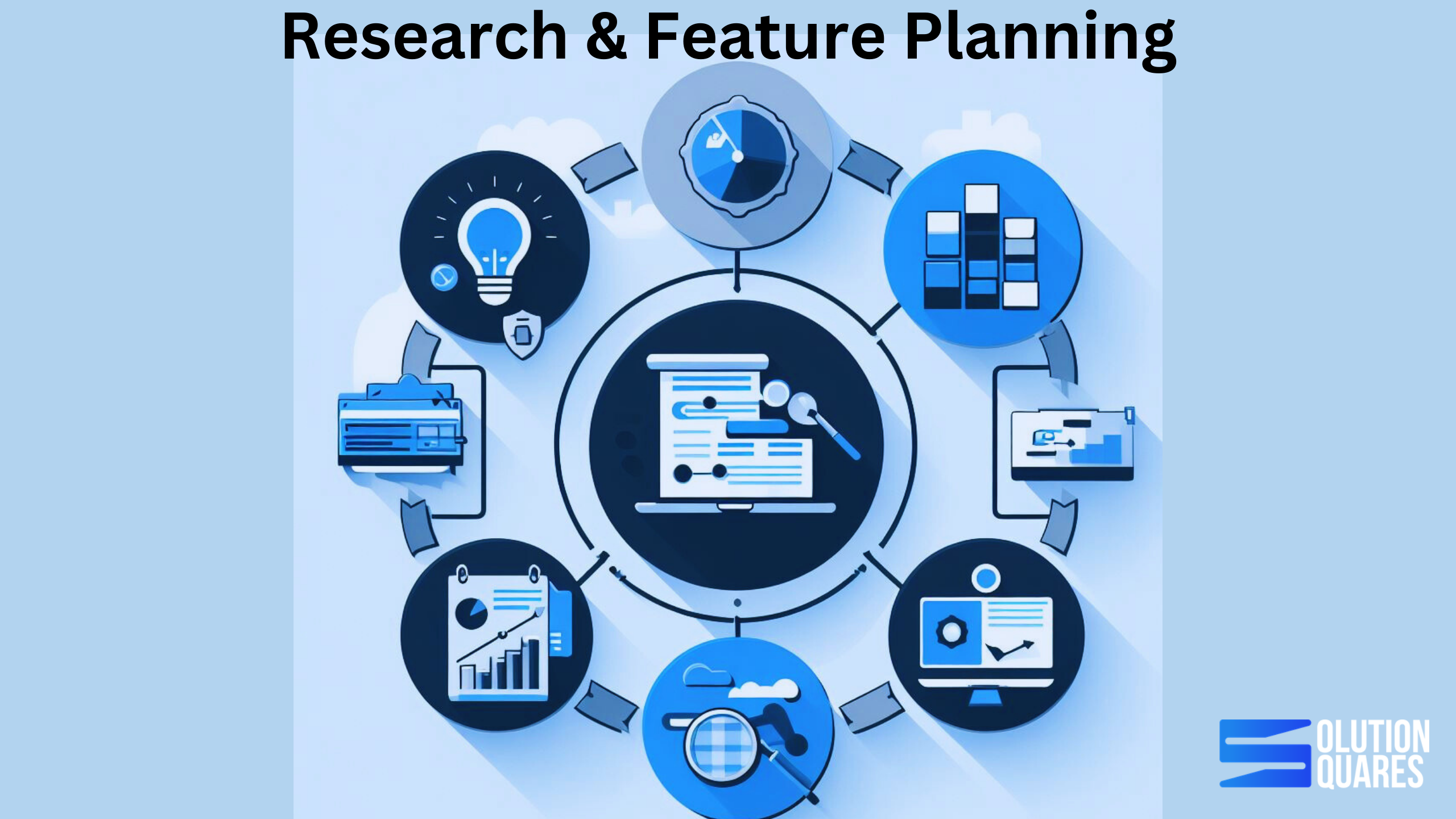
Indeed the Research & Feature Plan is a vital foundation for the successful process of e-commerce application development. By following these steps and continually iterating based on user feedback and market changes, you can create a robust, user-friendly, and competitive e-commerce platform.
The development of an e-commerce application requires thorough research and careful planning to ensure its success in a competitive market. This Research & Feature Plan outlines the essential steps and considerations for building a robust and user-friendly e-commerce application.
Research may include various fields such as market research, UX research, Feature selection, and Technical research. This is a vital and important step of application development.
2. Wireframing & Design
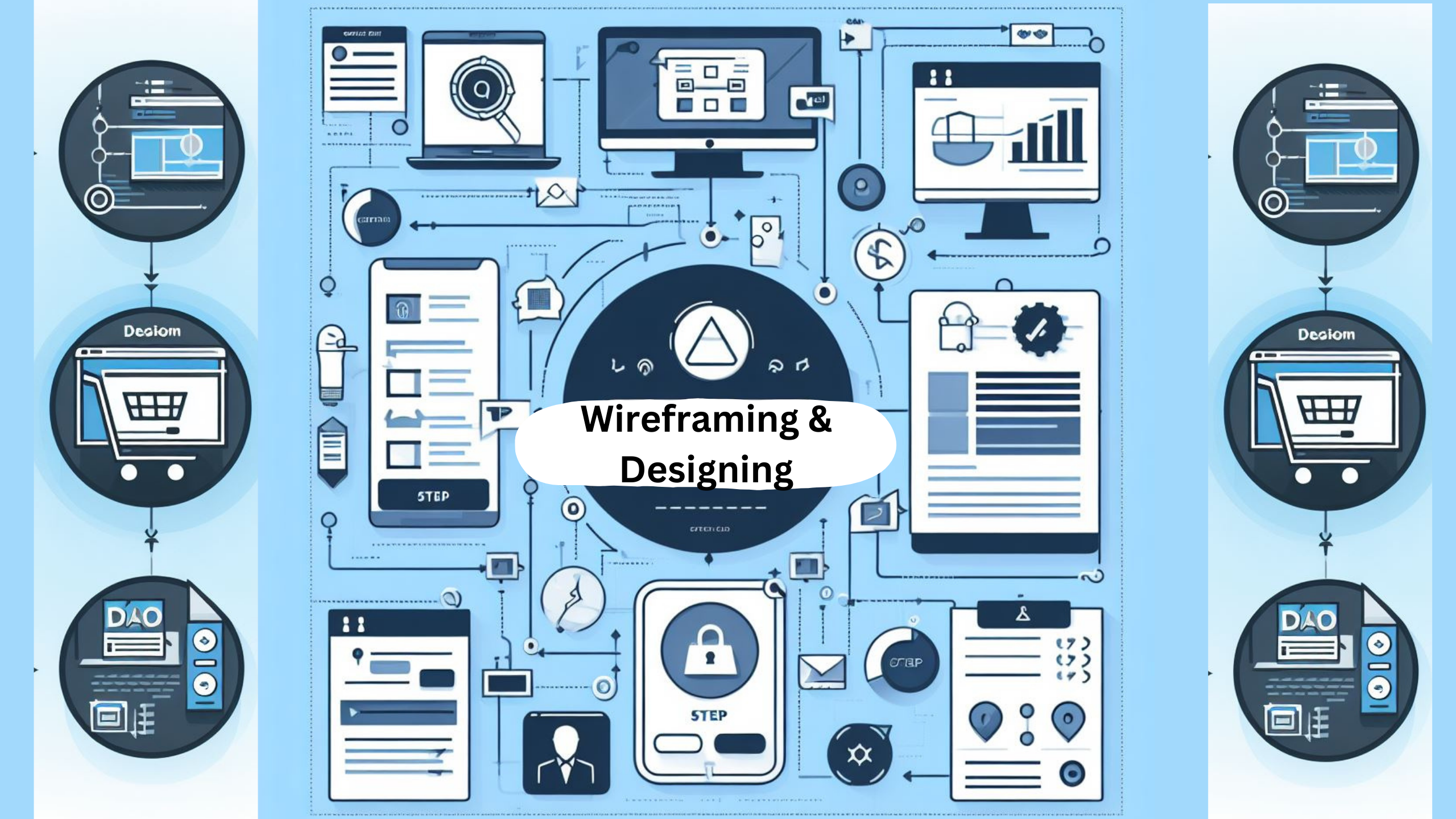
Wireframing is the process of creating a basic visual representation of the app’s structure, layout, and functionality. It serves as a blueprint or skeletal framework that outlines the app’s key components and their relationships. Wireframes are typically created using simple shapes, lines, and placeholders to represent different elements such as navigation menus, buttons, content sections, and forms.
The purpose of wire framing is to focus on the app’s structure and content organization, without getting into detailed design elements. It helps in visualizing the overall user flow, information hierarchy, and screen layout. By creating wireframes, you can quickly iterate and make changes to the app’s structure before moving on to the detailed design phase.
The design phase involves creating the visual elements and aesthetics of the e-commerce app, including the user interface (UI) and user experience (UX). It encompasses the visual design, branding, typography, colour scheme, iconography, and overall look and feel of the app.
By wireframing and designing an e-commerce app, you can establish a solid foundation for its visual appeal, user experience, and overall usability. A well-designed app can enhance user engagement, build trust, and drive conversions for your e-commerce business.
3. Technology Stack Selection
Usually, Selecting the right technology stack is a critical step in the process of an e-commerce application development. The technology stack consists of various software, frameworks, and tools that you’ll use to build and run your application.
Making the right choices in this phase can significantly impact the performance, scalability, security, and overall success of your e-commerce platform. Ensure that the selected technology stack supports compliance with legal requirements, including data protection and consumer rights.
By carefully considering these factors, one can create an e-commerce application that is not only functional and secure but also well-prepared for future growth and changes in the e-commerce landscape. Additionally, your technology stack should align with the skills and expertise of your development team to ensure successful implementation and maintenance.
4. Back-end Development
Back-end development is a critical component in the process of e-commerce app development. It involves building the server-side infrastructure and logic that powers the application, manages data, and ensures the seamless functioning of the online store.
To start one can begin by defining the specific requirements for the back-end system. This includes understanding the business logic, data storage needs, and the types of features and functionality required for the e-commerce platform.
Now one needs to choose the appropriate programming languages, frameworks, and databases for your back-end development. Common choices include Node.js, Ruby on Rails, Django, Express.js, and various relational or NoSQL databases like MySQL, PostgreSQL, or MongoDB.
At present, implement secure user authentication and authorization mechanisms to protect user accounts and sensitive data. Common methods include JWT (JSON Web Tokens) for user sessions and OAuth for third-party authentication.
Undoubtedly, develops the core business logic of the e-commerce application. This includes creating functions and processes for tasks such as product catalogue management, shopping cart functionality, order processing, and payment handling.
5. Front-end Development
Usually, Front-end development is a crucial phase in the process of e-commerce app development. It focuses on creating the user interface and user experience of the application, making it visually appealing, intuitive, and responsive.
Firstly, one can begin by understanding the specific requirements and design objectives for the front end of your e-commerce application. Consider the target audience, the brand’s identity, and the desired user experience.
Undoubtedly, Ensure that the application is designed to be responsive, meaning it adapts to different screen sizes and devices (desktop, tablet, mobile) for an optimal user experience.
Besides, Use responsive web design techniques with HTML5 and CSS3 to ensure your application looks and works well on different devices. Besides employ JavaScript frameworks (e.g., React, Angular, or Vue.js) for interactive and dynamic user interfaces.
One can use JavaScript to add interactivity and dynamic features to the application. This includes functions like product filtering, image galleries, and interactive forms. If you choose to use a front-end framework (e.g., React, Angular, Vue.js), build the application’s components and views, enabling modularity and reusability.
Importantly, ensure that your e-commerce app is accessible to all users, including those with disabilities. Implement accessibility best practices, such as providing alternative text for images and ensuring keyboard navigation.
6. Testing & Quality Check
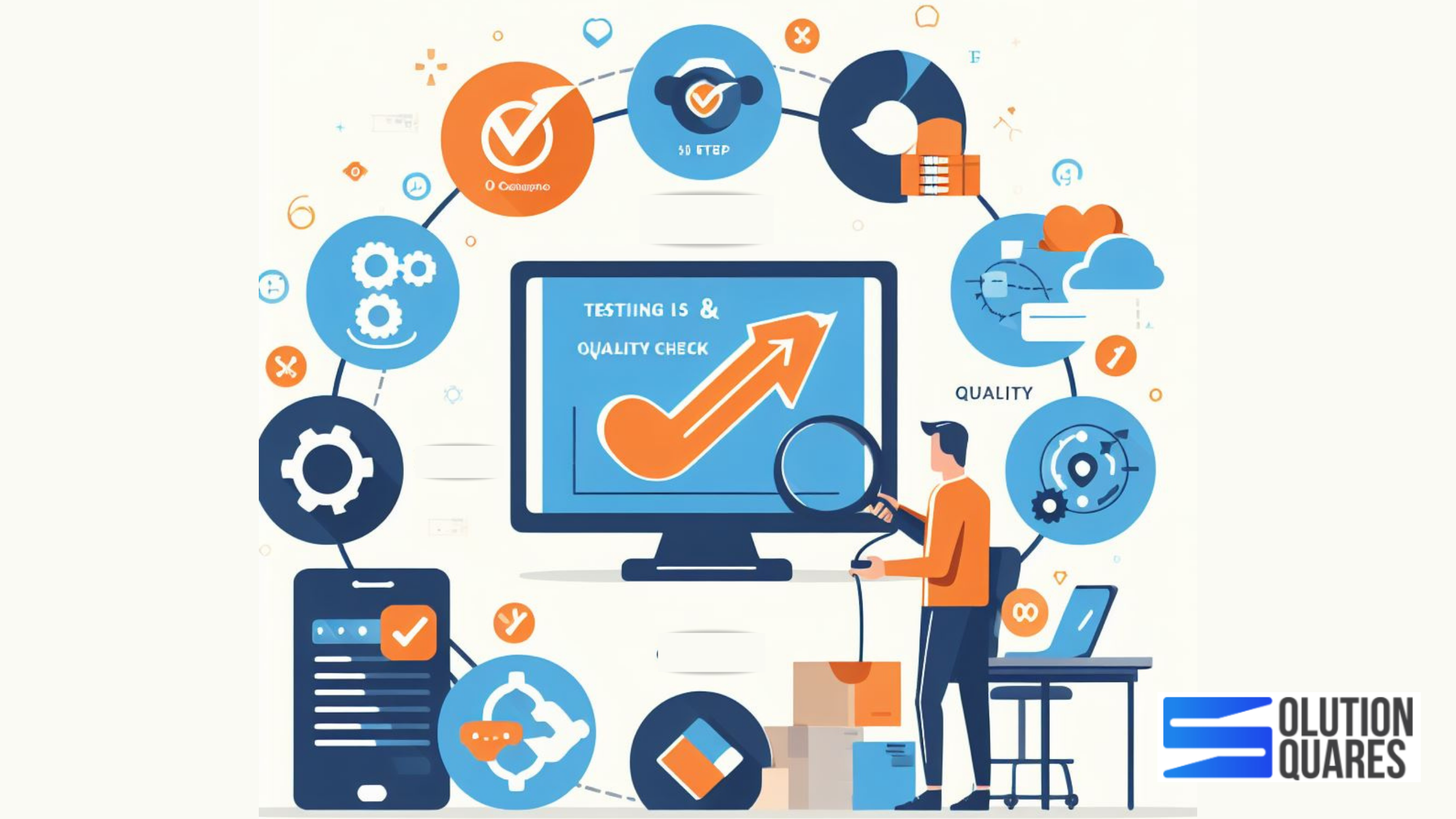
Generally, Testing and quality checks are integral processes in the development of an e-commerce app. They ensure that the application is robust and secure, and provides a seamless user experience.
However, Effective testing and quality assurance help ensure that your e-commerce app is reliable, secure, and capable of delivering a great user experience. By following these processes, you can identify and address issues early in the development cycle, resulting in a more successful and customer-friendly e-commerce application.
These steps may include various types of testing. These may include:
-
Functional Testing:
Verify that all features and functions of the app work as intended. This includes testing product searches, adding items to the cart, order processing, and user account management.
-
Usability Testing:
Here assess the user-friendliness of the app by observing real users’ interactions. This helps identify any usability issues and opportunities for improvement.
-
Performance Testing:
Measure the app’s response times and scalability to ensure it can handle peak loads without slowdowns or crashes. This includes load testing, stress testing, and scalability testing.
-
Security Testing:
Identify and address vulnerabilities such as SQL injection, cross-site scripting (XSS), and data breaches. Test authentication, authorization, and data encryption.
-
Compatibility Testing:
Ensure the app functions correctly on various web browsers (Chrome, Firefox, Safari, Edge) and across different devices (desktop, mobile, tablet).
-
Regression Testing:
Verify that new code changes haven’t introduced bugs or issues in existing functionalities. Run automated tests to catch regressions.
-
Cross-Border and Cross-Currency Testing:
If your app is global, test for compliance with international regulations, currency conversion accuracy, and regional-specific features.
-
Accessibility Testing:
Ensure that the app is accessible to users with disabilities. Test with screen readers, keyboard navigation, and other assistive technologies.
-
Mobile App Testing:
If you have mobile apps, conduct mobile-specific testing to ensure compatibility with different devices and operating systems.
-
A/B Testing:
Experiment with different versions of features or layouts to determine which design or functionality performs better with users.
-
Automation Testing:
Consider automating repetitive and time-consuming tests, such as regression tests and load tests. Automation tools like Selenium, Appium, and JMeter can be beneficial.
-
Test Execution:
Execute the test cases following the test plan. Document the results and identify any defects or issues that need to be addressed.
-
Security Assessment:
Conduct penetration testing and security audits to identify vulnerabilities and security weaknesses. Address any findings to ensure data protection.
-
Release Candidate Testing:
Conduct a final round of testing on the release candidate to ensure all issues are addressed before deployment.
7. Deployment
Deployment is a critical phase in the e-commerce app development process that involves making the application accessible to users. It encompasses various activities, from preparing the production environment to releasing the app for public access.
Deployment is a crucial phase that marks the transition from development to the live environment. By following a well-defined deployment process, you can ensure a smooth and reliable launch of your e-commerce app and provide users with a secure and high-performance platform.
Here various important steps are involved to make an e-commerce application development successful. However, it may be possible that as per your goal and design you need to skip one or more steps. Here’s an overview of the deployment process for an e-commerce app:
-
Production Environment Setup:
Prepare the production environment where the e-commerce app will be hosted. This environment should mirror the testing environment but on a larger scale. Ensure the environment is secure, scalable, and optimized for performance.
-
Database Migration:
Migrate the database from the testing environment to the production environment. Ensure data consistency and integrity during the migration process.
-
Version Control and Continuous Integration:
If you’re using version control systems (e.g., Git), ensure that the production environment is synchronized with the latest code from the repository. If you have a continuous integration/continuous deployment (CI/CD) pipeline in place, use it to automate the deployment process.
-
Configuration and Environment Variables:
Configure the app to use production-specific environment variables, such as database connection details, API keys, and other settings that may differ from the testing environment.
-
Application Deployment:
Deploy the application to the production servers. This can be done manually, but automation is preferred for consistency and reliability. Ensure that the deployment process is well-documented.
-
Load Balancing and Scalability:
Implement load balancing and scaling strategies to handle high-traffic loads. Distribute incoming requests across multiple servers to ensure high availability and performance.
-
SSL/TLS Certificate Installation:
Install SSL/TLS certificates to enable secure communication between the app and users’ browsers. This is crucial for securing sensitive information, such as payment details.
-
Domain Name System (DNS) Configuration:
Configure DNS settings to associate the app with a custom domain name (e.g., www.yourstore.com). Set up domain records and ensure that they point to the correct servers.
-
Data Backup and Disaster Recovery:
Implement a data backup and disaster recovery plan to protect against data loss and ensure data integrity. Regularly back up the database and files, and have a plan for restoring data in case of unforeseen events.
-
Monitoring and Alerts:
Set up monitoring tools and alerts to track the health and performance of the app. Monitor server metrics, error logs, and user interactions to detect and address issues proactively.
-
Quality Assurance Testing:
Conduct one final round of testing in the production environment to ensure that everything works as expected. Test critical functionality, security measures, and performance under real-world conditions.
-
User Acceptance Testing (UAT):
Have a selected group of users or stakeholders perform UAT in the production environment to validate that the app meets their requirements and expectations.
-
Pre-Launch Checklists:
Use a pre-launch checklist to ensure that all aspects of the production environment, including security, performance, and configuration, are in order.
-
Data Migration (if applicable):
If you’re migrating from an existing system or have a legacy database, plan and execute data migration carefully to ensure data continuity and accuracy.
-
Content and Product Import:
Import product information and content (such as images and descriptions) into the production database. Ensure that the imported data is accurate and consistent with the testing environment.
-
Soft Launch (Optional):
Consider a soft launch to a limited audience or in a specific market to gather feedback and make any necessary improvements before the full public launch.
-
Public Launch:
Once all preparations are complete and the app is thoroughly tested, make the e-commerce app available to the public. Announce the launch through marketing channels and encourage users to explore and use the platform.
-
Post-Launch Monitoring:
Continuously monitor the app’s performance and user feedback after the public launch. Address any issues or improvements promptly.
8. Launch & Marketing

Usually, the launch and marketing phase of an e-commerce app development project is crucial for making your application known, driving user adoption, and ultimately achieving success. Here are key steps and strategies to consider during this phase.
- Prelaunch Preparation
- Launch Strategy
- App Store Presence
- Social Media Marketing
- Content Marketing
- Affiliate Marketing
1. Prelaunch Marketing
This step will include Beta testing and Quality Assurance. Here conduct beta testing with a selected group of users to identify and address any last-minute issues.
Thoroughly tests the app for functionality, security, and performance, addressing any bugs or issues.
2. Launch Strategy
- Soft Launch: Consider a soft launch in a limited market or with a small user group to gather feedback and make improvements.
- Marketing Timeline: Plan a launch date, taking into account seasonality and market trends.
- Launch Event: Create a buzz by organizing a launch event or promotion to attract initial users.
3. App Store Presence
- App Store Optimization (ASO): Optimize your app’s listing on platforms like the Apple App Store and Google Play Store with keywords, appealing visuals, and engaging descriptions.
- Ratings and Reviews: Encourage users to leave positive reviews and ratings to boost your app’s credibility.
- App install campaigns: Consider running app install campaigns on the app stores to promote your app within their ecosystem.
4. Social Media Marketing
- Social Media Presence: Establish and maintain active profiles on popular social media platforms such as Facebook, Instagram, Twitter, and LinkedIn.
- Engagement: Engage with your audience through posts, stories, and live sessions, promoting your app’s features and benefits.
- Rewards or Discounts: Encourage users to refer friends and family to your app by offering rewards or discounts for successful referrals.
5. Content Marketing
- Blogging: Create high-quality blog content related to your industry, products, and trends. Share this content through your website and social media channels.
- Email Marketing: Build an email list and send newsletters to keep potential and existing customers informed about your app’s launch and updates.
6. Affiliate Marketing
- Establish an affiliate program where individuals or businesses can earn a commission for driving sales or installs to your app.
- Partner with influencers in your niche to promote your app through sponsored posts and reviews.
- Develop a PR strategy to garner media attention. Press releases and media outreach can help increase your app’s visibility.
7. Analytics and Iteration:
- Marketing Strategy: Continuously analyze user data and app performance to make informed decisions for marketing strategy adjustments and app improvements.
- Performance Monitoring: Monitor the app’s performance, server uptime, and response times to ensure a smooth user experience.
The launch and marketing phase is an ongoing process. It requires a well-thought-out strategy, monitoring, and adaptation based on user behaviour and market dynamics. By following these steps and continually optimizing your marketing efforts, you can increase user adoption and drive the success of your e-commerce app.
[also_read slug =”e-commerce-application-development-cost-in-india”]
Final Thoughts
Generally, it’s essential to work with a reputable development team or agency that can provide a detailed proposal and cost breakdown based on your specific requirements.
However, keep in mind that e-commerce application development is an ongoing investment, and you should also consider factors like marketing, SEO, and ongoing operational costs to ensure the success of your e-commerce business.